.png)
Discover Your Dream Space: The Best Interior Design App Free Options
Thinking about redoing your place but worried about the cost of fancy design software? You're in luck! There are tons of great interior design app free options out there that let you play around with layouts, colors, and furniture without spending a dime. These tools are super helpful for visualizing your ideas before you start any big projects, or even just for fun. We've checked out some of the best ones to help you get started on creating your dream space.
Key Takeaways
- Planner 5D offers a user-friendly way to create both 2D and 3D designs with a large item library and immersive exploration.
- Homestyler is an all-in-one tool for floor plans and 3D visualizations, connecting users with a community and design challenges.
- Dulux Visualiser lets you see how different paint colors will look on your walls in real-time, making color selection easy.
- Live Home 3D provides detailed floor plan creation and realistic 3D renderings with extensive customization options across multiple platforms.
- SketchUp is a powerful, browser-based 3D design tool that's great for hobbyists and offers a flexible, pen-and-paper-like experience.
1. Planner 5D
Planner 5D is a pretty popular choice if you're into designing your home space. It makes getting started really simple, even if you've never done anything like this before. You can build floor plans from scratch or pick one of their pre-made templates, which is handy if you just want to quickly visualize something. Then, you can design your rooms in 3D.
One of the cool things they've added are some AI tools. There's a 'Smart Wizard' that can suggest layouts and furniture based on what you tell it about the room's style and purpose. They also have a 'Design Generator' that can give you a few different design ideas for your actual room, and you can even upload a picture of your existing floor plan, and it'll try to turn it into a 3D model.
It's available on pretty much everything – web, iOS, and Android – so you can work on your designs wherever you are.
- Easy to use interface
- 2D and 3D design modes
- AI-powered design suggestions
- Available on multiple platforms
While Planner 5D is great for beginners and casual users, some of the best features and a lot of the furniture options are locked behind a subscription. Also, for really precise architectural work, some users have noted that measurements can sometimes be a bit off. It's more for fun visualization than detailed blueprints.
Most of the furniture and materials you'll want to use are behind a paywall, which can get pricey if you're looking to go beyond the basics. The subscription plans can add up, especially if you're on a tight budget.
2. Homestyler
Homestyler is a pretty neat tool if you're looking to visualize your home makeover ideas without getting too bogged down in complicated software. It's cloud-based, which means you can access it from pretty much anywhere. The drag-and-drop interface is super straightforward, making it a good choice for beginners who just want to play around with different layouts and furniture.
One of the cool things about Homestyler is its social aspect. It feels a bit like Pinterest meets a design app, where you can check out what other people have created, like their designs, and even get inspired by them. You can whip up 2D and 3D floor plans for both homes and commercial spaces.
Here's a quick look at what it offers:
- Create 2D and 3D floor plans: Easily map out your space.
- Large library of furniture and decor: Lots of options to choose from, including items from real brands you can actually buy.
- AR/VR visualization: See your designs come to life in augmented or virtual reality.
- Community features: Get inspired by and interact with other users' designs.
While Homestyler is great for visualizing and decorating, it's not really built for super detailed architectural work. Think of it more for interior decorating and getting a feel for a space's look and feel.
The free version lets you do a good amount, but like many apps, some of the best features and items are locked behind a paywall. You can earn credits by doing design tasks, or just upgrade if you want full access. It's a solid option for anyone wanting to experiment with interior design without a steep learning curve.
3. Dulux Visualiser
If you're all about the paint colors, the Dulux Visualiser app is a pretty neat tool to check out. It's super straightforward – you just point your phone or tablet at a wall, pick a color from their charts, and bam, you see it instantly. It’s almost too easy, and you might find yourself wanting to try out different shades on every wall you see.
One cool feature is the 'masking tape' function. This lets you put up virtual tape to compare two different colors side-by-side on the same wall, which is handy for those tricky decisions.
- Point your device at any wall.
- Browse Dulux paint colors.
- See the new color applied in real-time.
It works on both iOS and Android devices, making it accessible for most people. The only minor hiccup is that sometimes, especially with complex shapes or ornaments, the color fill might not be perfectly precise, leaving tiny gaps. But for getting a general idea of how a color will look, it's a solid choice. You can even explore different color options with a simple tap on the Dulux Visualiser app.
This app is perfect for when you're stuck on choosing the right shade and need a quick, visual way to test things out without actually buying paint samples.
4. Live Home 3D
Live Home 3D is a pretty solid option if you're looking to get detailed with your floor plans and 3D renderings. It works across a bunch of different devices, which is handy, and you can really get into the nitty-gritty of your design, like adjusting lighting and materials. It’s available on macOS, iOS, Windows, and Android, so chances are it'll work on whatever you've got.
One of the cool things is that you can create floor plans that are as simple or as complicated as you need them to be. Then, you can jump into the 3D view to see how everything looks. You can even add furniture and accessories from their library.
The free version does have some limits. You can only work on one project at a time, and any projects you save beyond the most recent one might be tricky to get back to. Also, exports will have a watermark, and there are restrictions on 3D model exports. You can pay to get rid of these limitations, though.
Here’s a quick look at what it offers:
- Customization: You have a lot of control over pretty much every detail.
- Platform Support: Works on iOS, macOS, Android, and Windows.
- Visuals: You can get some pretty realistic 3D views and walkthroughs.
- AR Features: It supports Augmented Reality walkthroughs, which is a neat way to see your design in your actual space.
It’s a good middle-ground tool, not overly complicated like some professional software, but more robust than the really basic apps. It’s great for planning out actual renovations or just visualizing a new layout.
5. SketchUp
SketchUp is a pretty powerful tool, and it's definitely one of the more robust free options out there for 3D design. If you're looking to get serious about modeling, this might be your go-to. It's got this way of feeling both really detailed and also kind of like sketching with a pencil, which is a neat trick.
The free version is great for hobbyists and lets you design right in your browser, no downloads needed. For the pros out there, like architects or commercial interior designers, the paid version offers a lot more. But for just playing around and visualizing your ideas, the free online tool is quite capable.
It's super versatile, whether you're thinking about a small home addition or something more ambitious. You can really bring all the little details of your design to life with it. If you're curious about how to get started, there are resources available to help you master SketchUp for free.
Here's a quick look at what it offers:
- 3D Modeling: Really detailed tools for creating complex shapes.
- Visualization: Helps you see your design in a realistic way.
- Online Access: Use it directly in your web browser.
While SketchUp is amazing for professional work, it can feel a bit overwhelming if you're just starting out with interior design. It takes some time to get the hang of all its features, so keep that in mind if you're looking for something super quick and easy.
6. Floorplanner
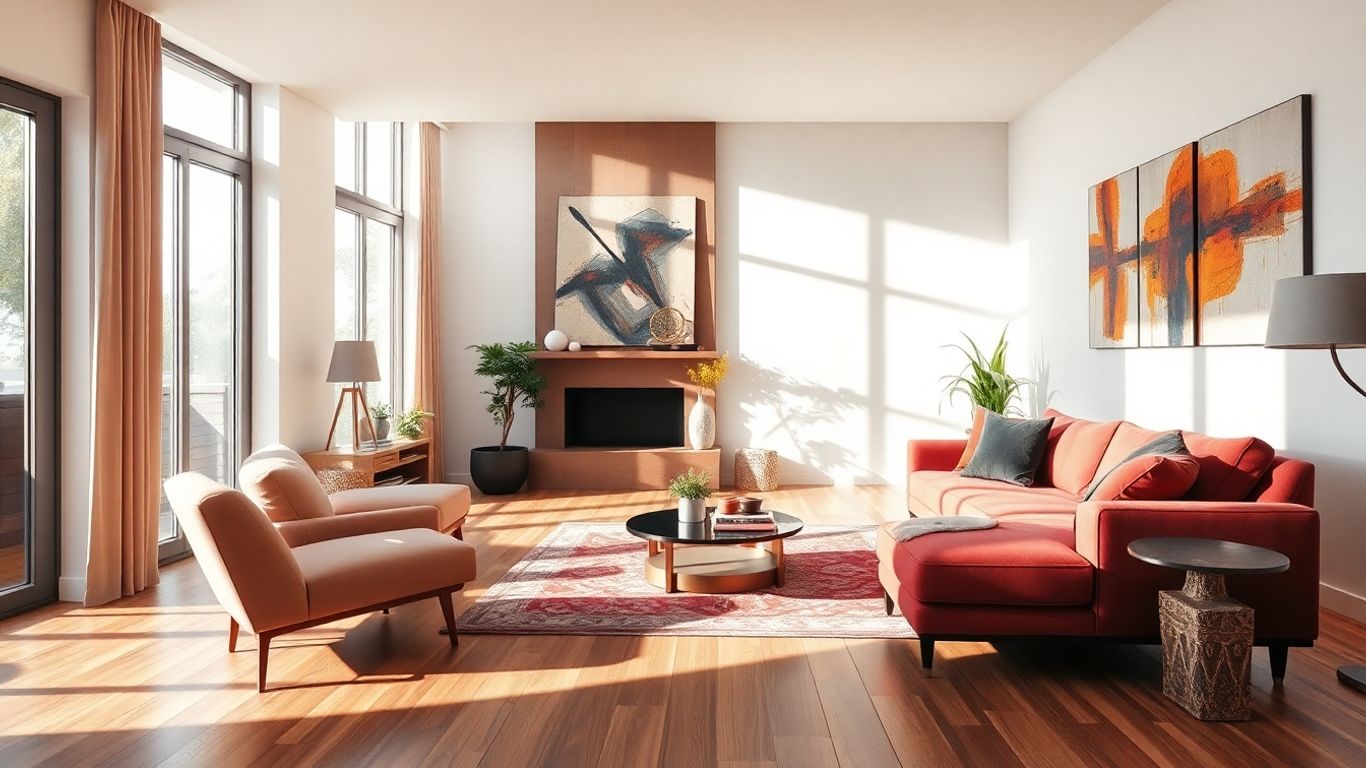
Floorplanner is a really solid choice if you're looking for a tool that lets you map out your space in both 2D and 3D, and the best part? You don't even need to download anything to use it. It works right in your web browser. While the decorating part is pretty neat, where Floorplanner really shines is its core function as a floor plan creator. It's straightforward to get the hang of, making it a good option if you don't want to spend ages learning a new program.
Once you've got your floor plan sorted, you can easily jump into the 3D view to start adding furniture and playing around with decor. It's a pretty intuitive process.
Here’s a quick look at what makes it stand out:
- 2D and 3D Design: Easily switch between detailed 2D floor plans and immersive 3D visualizations.
- Online Accessibility: No downloads required, access your projects from any device with a web browser.
- User-Friendly Interface: Designed for ease of use, making it accessible for beginners.
- Extensive Furniture Library: Access a wide range of items to furnish your space.
Floorplanner is particularly good for getting the basic layout of a room or an entire house down accurately. It helps you visualize how different furniture pieces might fit before you even start shopping.
If you're keen to explore the features of a floor planner app on your phone, including design tools, a furniture library, and 2D/3D viewing options, it's worth checking out what's available. Familiarizing yourself with these functionalities can really help you create and visualize your dream space effectively.
7. Houzz
Houzz is a bit different from the other apps we've looked at. Think of it less as a full-blown design tool and more as a super-powered inspiration hub combined with a shopping catalog. If you're at the stage where you're just starting to get ideas or looking for that perfect piece of furniture, Houzz is a great place to be.
It boasts a massive library, with millions of high-quality photos of homes. You can really get lost scrolling through different styles and ideas. The standout feature is definitely the "View in My Room 3D" tool, which lets you virtually place furniture and decor items from their catalog directly into your own space using your phone's camera. It's pretty neat for seeing how something might actually look before you buy it.
Beyond just looking and buying, Houzz also connects you with professionals. You can find designers and contractors in your area and even read articles from experts. It's also got a community aspect where you can get advice.
However, don't expect to draw up detailed floor plans or manage a whole project here. It's more about inspiration and shopping than technical design work.
- Inspiration Galore: Millions of photos to spark ideas.
- Virtual Try-On: See products in your room with AR.
- Connect with Pros: Find designers and contractors.
- Shop Directly: Purchase items within the app.
- Community Advice: Get tips from other users and experts.
8. SmartDraw
SmartDraw is a pretty robust option if you're looking to map out floor plans and interior designs. It's got a good balance – easy enough for beginners to pick up, but with enough depth for those who want to get into more detailed layouts. You'll find a massive library of furniture, building materials, and tons of templates to get you started. It really feels like you have endless possibilities for creating different room designs and arrangements.
The main thing to know is that the free version is a trial. It's usually good for about seven days. So, if you're just trying it out for a quick project or to see if you like it, that's fine. But for longer-term use or if you have multiple projects lined up, you'll probably need to think about paying for it.
Here's a quick look at what it offers:
- Vast selection of design elements.
- Templates for various room types and layouts.
- Ability to create intricate designs.
- User-friendly interface for basic use.
While SmartDraw offers a lot of features for creating detailed floor plans and interior designs, its free access is limited. This makes it a great tool for a short-term trial or a specific, one-off project, but less ideal for ongoing or extensive design work without a subscription.
9. HomeByMe
HomeByMe is a pretty neat tool if you're looking to get a realistic feel for your design ideas. What's cool about it is that it uses actual products from real brands, like IKEA and Wayfair, in its catalog. This means you can actually plan your space using furniture and decor you might even buy later. It makes the whole process feel more concrete, you know?
It's got a simple drag-and-drop interface, which is nice because you don't have to be a tech wizard to figure it out. You can create your floor plan in 2D and then switch over to 3D to see how everything looks. Plus, it has features for sharing your projects, which is handy if you want to get opinions from friends or family, or even collaborate with someone.
Here's a quick look at what it offers:
- Realistic 3D visuals: Get a good look at your design.
- Branded items: Use real furniture and decor in your plans.
- Collaboration tools: Share your projects easily.
The free version does have some limits, like the number of projects you can work on. If you need more, there are paid options, and sometimes even high-quality renders cost extra. But for just playing around with ideas and getting a solid visual, the free version is a good starting point.
10. Roomstyler 3D Home Planner
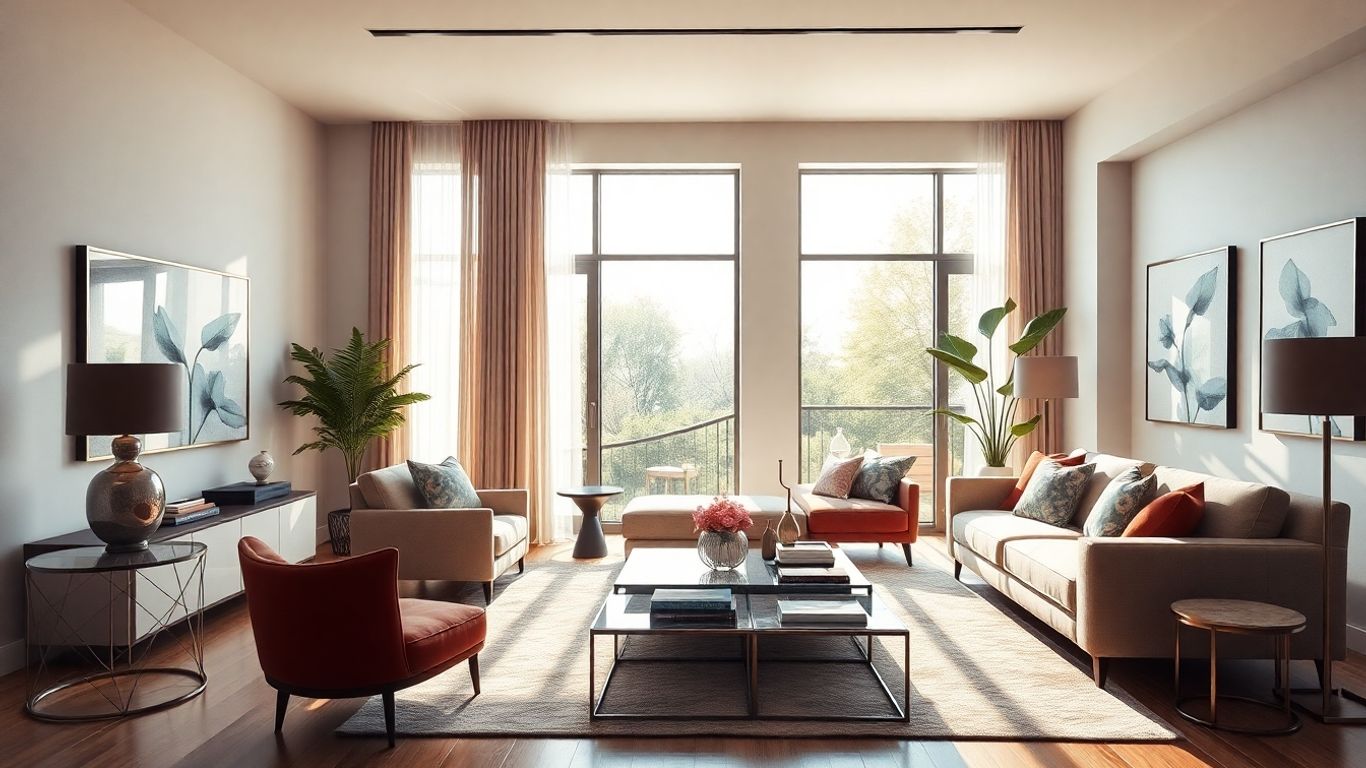
Roomstyler 3D Home Planner is a pretty straightforward option if you're looking to get a room designed without a lot of fuss. It's really easy to get the hang of, so you probably won't even need to watch those tutorial videos they offer, though they are there if you get stuck. One of the coolest things about this app is how quickly you can put together a custom room. It feels like you can go from a blank slate to a furnished space in just a few minutes.
What really sets Roomstyler apart is that you can use actual products from real brands to decorate your virtual space. This means if you love how your design turns out, you can actually go and buy the exact furniture and decor you used. It's a neat way to 'shop the look' directly from your design.
- Intuitive interface: Makes it simple for anyone to start designing.
- Real-world products: Furnish your space with items from actual brands.
- Quick room creation: Design a custom room in a short amount of time.
- Extensive tutorials: Help is available for every question you might have.
This app bridges the gap between dreaming up a space and making it a reality by letting you use real products. It takes the guesswork out of decorating and makes it easier to visualize your finished room.
Wrapping Up Your Design Journey
So, there you have it. Designing your dream space doesn't need to cost a fortune or feel like a huge chore. With these free apps, you can really get a feel for what you want, play around with ideas, and see how things might look before you even pick up a paintbrush. It’s kind of like a test run for your home. Give a few of them a try, see which one clicks with you, and start making those design dreams a reality. You might be surprised at what you can come up with!
Frequently Asked Questions
What is the main benefit of using an interior design app?
Interior design apps help you see your ideas for your home before you start making changes. You can try out different layouts, colors, and furniture to get a clear picture of how your space will look and make sure you love it.
Are there really free interior design apps available?
Yes, absolutely! Many apps offer a free version that lets you do a lot, like create floor plans and add furniture. Some might suggest paying for extra features, but you can often get great results without spending any money.
Can I use these apps on my phone or tablet?
Many of these apps are designed to work on phones and tablets, so you can plan your dream space wherever you are. Some even have special features like augmented reality (AR) to see how furniture looks in your actual room.
Do I need to be a design expert to use these apps?
Not at all! Most of these apps are made to be easy to use, even if you've never designed anything before. They often have simple drag-and-drop tools and ready-made templates to help you get started quickly.
Can I find real furniture brands in these apps?
Some apps let you use furniture and decor items from actual brands. This is super helpful because you can see exactly what pieces you might want to buy for your home and get an idea of how they'll fit and look.
What's the difference between a free app and a paid one?
Free apps usually give you enough tools to plan your space and try out ideas. Paid versions or in-app purchases often unlock more items, advanced features like super realistic images, or allow you to work on more projects at once. But for most people, the free options are plenty!
Book Your Project Consultation