.png)
Try Our Free Home Exterior Visualizer Tool to Design Your Dream Home
Thinking about changing up your home's outside? It's tough to know what will look good, right? You see new siding, a different roof color, or maybe some updated windows in a magazine and wonder how it'd look on *your* house. Well, now there's a simple way to find out. We've got this free tool that lets you play around with different looks for your home's exterior right on your computer. It's pretty neat, and you don't have to be a design expert to use it.
Key Takeaways
- You can try out new siding, roofing, and window styles on your home before you buy anything.
- The free home exterior visualizer tool lets you use pictures of sample homes or upload your own house's photo.
- You can easily see how different brands, styles, and colors work together to create your ideal home look.
- The tool helps you make smarter choices about products because you can see the results first.
- Once you're happy with a design, you can save it, download it, and even share it with others.
Visualize Your Dream Home With Our Free Home Exterior Visualizer
Thinking about giving your home's outside a facelift? It can be tough to picture exactly how new siding, a different roof color, or updated windows will look. That's where our free visualizer tool comes in. It's like having a crystal ball for your home's exterior, letting you see potential changes before you commit to anything. This tool takes the guesswork out of remodeling, making the whole process much smoother.
Transform Your Home's Look Instantly
Forget staring at paint chips or siding samples for hours. Our visualizer lets you swap out elements like siding, roofing, and trim with just a few clicks. You can try out different materials, textures, and colors to see what really catches your eye. It's a fast way to explore a wide range of possibilities and find a look that feels just right for your house.
See New Siding, Roofing, and Windows in Action
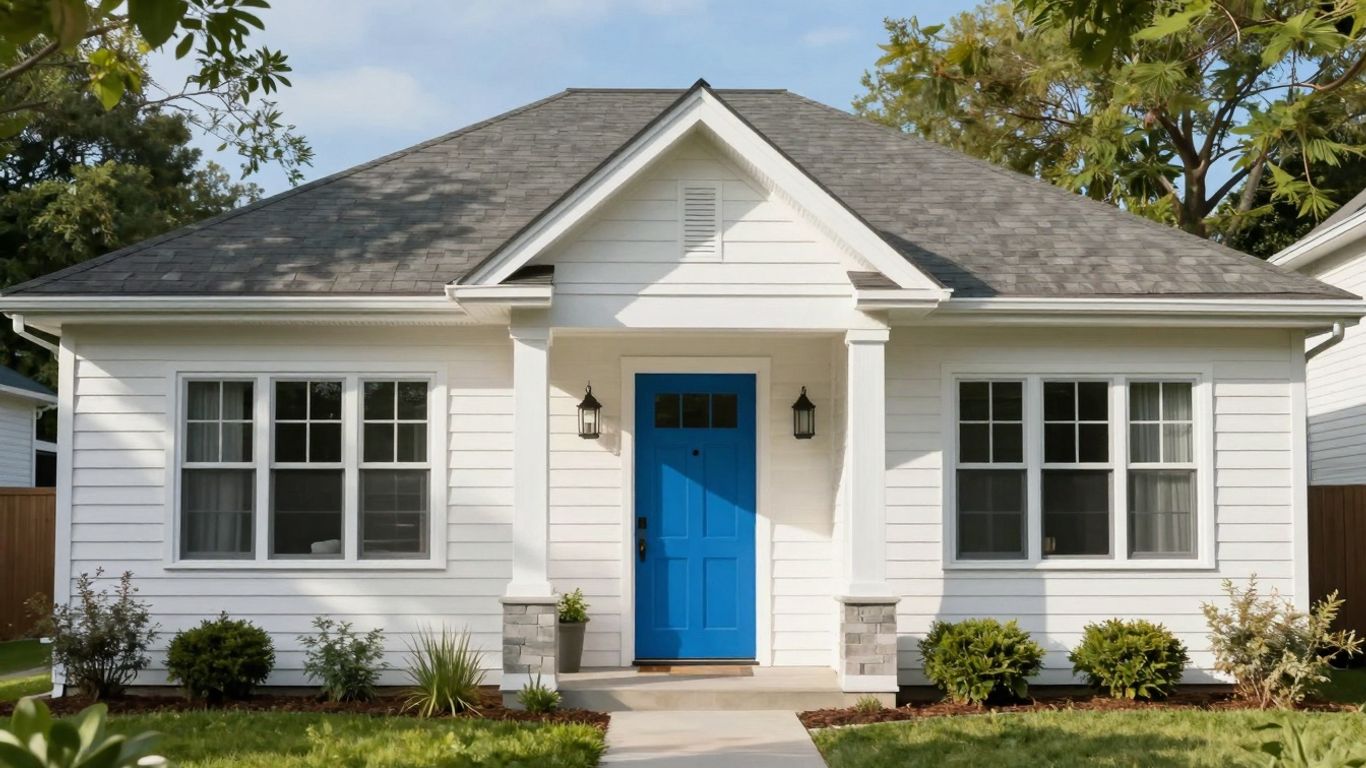
Want to see how that dark charcoal siding would look against a crisp white trim? Or maybe you're curious about a bold new front door color? The visualizer makes it easy. You can apply different products to specific areas of your home's image, allowing you to compare options side-by-side. This is super helpful for understanding how different components work together to create a cohesive style.
Design Your Ideal Exterior With Confidence
Making big decisions about your home's exterior can feel overwhelming. Our tool helps build your confidence by letting you experiment freely. You can try out various combinations without any pressure. Once you've landed on a design you love, you'll have a clear picture to share, making it easier to discuss your vision with contractors or family members.
How Our Free Home Exterior Visualizer Works
Start With Sample Homes or Upload Your Own
Getting started is super simple. You can jump right in by picking one of our pre-made sample home images. This is a great way to quickly see how different products and colors look without any fuss. If you want to get really specific, though, you can upload your own photo of your house. Just make sure it's a clear shot, preferably in landscape mode, and not too large a file. The tool will then let you set the scale, which helps make the previews look more realistic. It's like having a digital blueprint to play with!
Explore Brands, Styles, and Colors
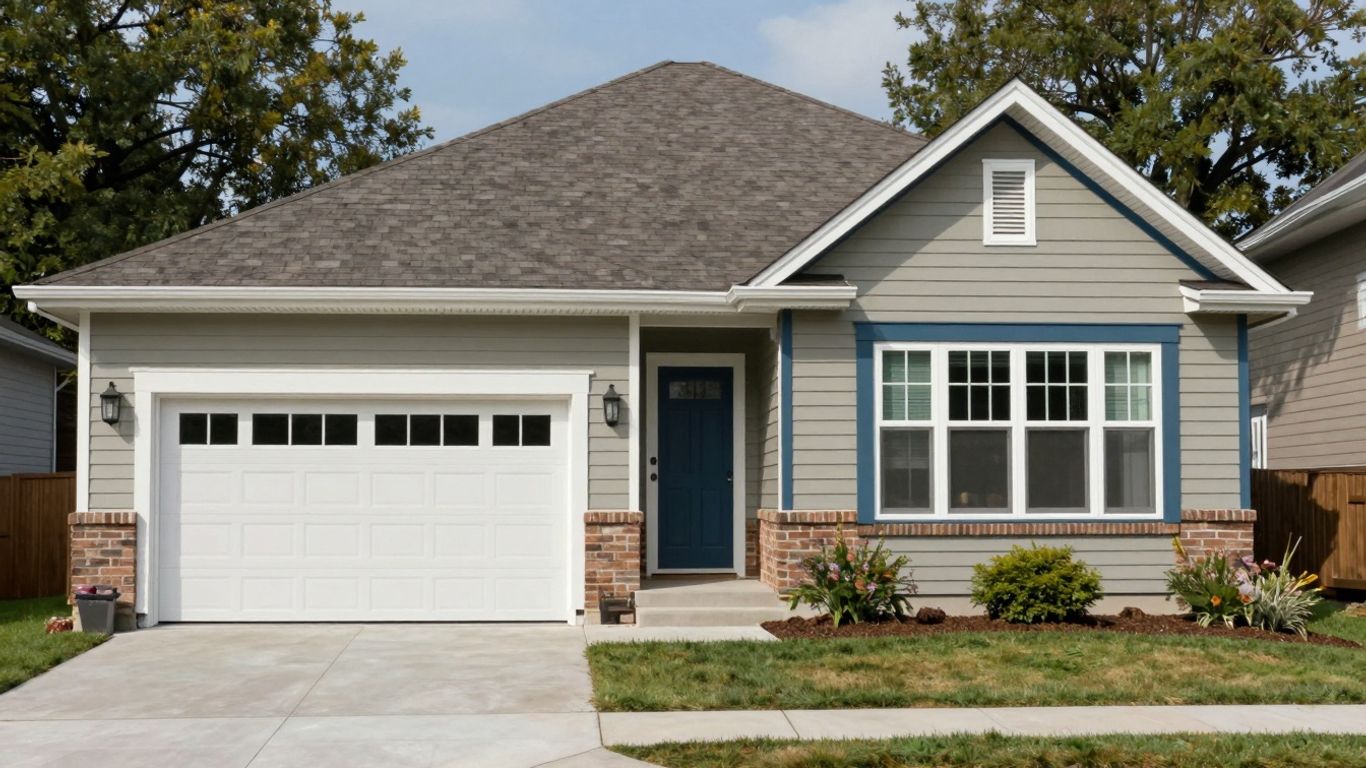
Once you've got your base image, the fun really begins. You get to pick from a wide range of actual brands, styles, and colors for things like siding, roofing, windows, and doors. Want to see what a dark charcoal roof looks like with light grey siding? Or maybe try a bold red front door? You can mix and match to your heart's content. This is where you really start to see your vision take shape. It’s not just about picking random colors; it’s about seeing how specific products from different manufacturers will actually appear on your home.
Save, Download, and Share Your Designs
Finished tweaking your masterpiece? Don't lose it! You can save your designs to your account and come back to them later if you want to make more changes. Plus, you can download your creations as a PDF. This is super handy for showing your family, friends, or even your contractor exactly what you have in mind. It makes talking about the project so much easier when everyone can see the same visual.
This tool takes the guesswork out of remodeling. Instead of just hoping for the best, you get to see the results before you spend a dime. It really helps in making confident decisions about your home's look.
Designing Your Home's Exterior Made Easy
Sometimes, the hardest part about remodeling your home's exterior is just picturing the final result. It's tough to spend a lot of money on new siding or a different roof when you can't quite see how it'll all come together. That's where our visualizer tool really shines. It makes the whole process much simpler, letting you play around with different looks before you commit.
Upload Your Home's Photo for a Realistic Preview
Want to see exactly how a new color siding or a different style of window will look on your house? It's pretty straightforward. You can upload a clear photo of your home, and the tool uses that as your base. This gives you a super realistic preview, way better than just guessing. Just make sure the photo is clear, taken in good light, and ideally landscape-oriented. We can even help you get the scale right, which is important for accurate visualization. You can start by uploading your photos to get a feel for it.
Mask Areas for Windows, Siding, and Doors
Once you've got your photo loaded, the next step is to tell the tool where different parts of your house are. This is called 'masking.' You'll select areas for windows, doors, siding, and roofing. It's like drawing outlines on your photo. You just click around the corners of each area, and the tool remembers it. This step is key because it allows the software to know exactly which parts of your home you want to change. It might sound a bit technical, but it's actually quite simple once you get going.
Experiment With Different Product Options
After masking, the fun really begins! You can start swapping out existing elements for new ones. Want to see how dark grey siding would look instead of the current beige? Easy. Curious about a different style of front door? Just click on the masked door area and browse the options. You can try out different brands, styles, and colors for siding, roofing, windows, and doors. It’s a great way to explore possibilities you might not have considered otherwise. You can even toggle between before-and-after views to really see the transformation.
This tool takes the guesswork out of exterior renovations. Instead of relying on brochures or small samples, you get to see the actual products on your home, in your chosen colors and styles. It really helps in making confident decisions about your project.
Bringing Your Vision to Life

It's one thing to talk about a new look for your house, and it's another thing entirely to actually see it. That's where our visualizer really shines. You can stop guessing and start knowing exactly what your home will look like before you spend a dime.
Visualize Before You Invest
Think about it: you're planning a big change, maybe new siding or a different roof color. It's a lot of money and a lot of work. Our tool lets you try out different looks without any commitment. You can see how that bold blue siding would actually appear on your home, or if those dark shingles really complement your brickwork. It takes the guesswork out of major decisions, so you're not stuck with a look you don't love.
Make Informed Product Selections
Choosing the right materials can be overwhelming. We've got tons of options, from different siding brands and styles to various window and door manufacturers. The visualizer helps you sort through it all. You can compare specific products side-by-side on your own home's image. This makes it way easier to pick out the exact materials that fit your style and budget. You can even get a feel for how different textures and finishes will look. It's like having a design consultant right at your fingertips.
Share Your Design Plans With Professionals
Once you've got a design you're happy with, sharing it is simple. You can save your creations and download them. This is super helpful when you want to talk to contractors or get quotes. Instead of just describing what you want, you can show them a clear picture. This helps everyone get on the same page, reducing misunderstandings and making the whole renovation process smoother. You can even use it to get a better idea of costs for specific exterior design choices.
Seeing is believing, especially when it comes to home renovations. Our visualizer bridges the gap between imagination and reality, giving you the confidence to move forward with your project.
Get Started With Your Free Home Exterior Visualizer
Access the Visualizer From Our Website
Ready to start designing your dream home's exterior? It's simpler than you might think. You can find our free home exterior visualizer tool right on our website. Just look for the "Launch Our Visualizer" button, usually found on our Inspiration page or in the footer. If you're eager to jump in, there's often a direct link available. Keep in mind, for the best experience, it's recommended to use a desktop computer.
Tips for Using the Tool Effectively
To make the most of the visualizer, here are a few pointers:
- Start with a clear photo: If you're uploading your own home's picture, make sure it's a clear, landscape-oriented shot with no obstructions. This will give you the most realistic preview.
- Use sample homes first: If you're new to this, begin with the sample homes provided. It's a great way to get familiar with different product styles, colors, and how they look together without any initial setup.
- Scale accurately: When uploading your own photo, take a moment to set the scale correctly. Using a known measurement, like a standard door height (around 6'8"), can help ensure your virtual changes are proportioned accurately.
- Save your progress: Don't forget to create an account. This allows you to save your designs and come back to them later, so you don't lose any of your hard work.
Ready to Create Your Dream Home?
Once you've explored the options and are happy with a design, you can save and download your project. This is super handy for sharing your vision with family members, contractors, or anyone else involved in the decision-making process. It helps everyone get on the same page and makes the actual renovation process smoother. So go ahead, give it a try and see what amazing transformations you can come up with!
Visualizing your home's new look before committing to materials and labor can save a lot of headaches and potential regrets. It's like a test drive for your house's appearance.
Ready to See Your Dream Home Come to Life?
So, there you have it. Designing your home's exterior used to be a guessing game, but not anymore. With our free visualizer tool, you can play around with different looks, colors, and styles until you find exactly what you love. It’s like having a crystal ball for your house, but way more fun. Don't just imagine your dream home – start building it, virtually, today. Give it a whirl and see what amazing transformations you can come up with. You might be surprised at how easy and enjoyable it is to get a clear picture of your home's future look.
Frequently Asked Questions
What is this free home exterior visualizer tool?
It's a cool online tool that lets you see how different siding, roofing, and window styles would look on your house before you buy anything. You can try out tons of colors and designs to find what you like best.
How do I start designing my home's exterior?
You can begin by picking one of the sample homes we have, or you can upload a picture of your actual house. Then, you can start playing around with different product options like siding colors or window styles.
Can I use a picture of my own house?
Absolutely! Uploading a photo of your home is a great way to get a realistic idea of how changes will look. You might need to do a little bit of 'masking' to show the tool where your windows, doors, and siding are.
What kind of products can I try out?
You can experiment with various types of siding, roofing materials, windows, and even front doors. You can check out different brands, styles, and a wide range of colors to match your taste.
Can I save my designs?
Yes, you can! If you create an account, you can save all your designs. This way, you can come back later to make more changes or share them with others.
What do I do after I design my dream home?
Once you're happy with a design, you can save it, download it, or even print it out. This makes it super easy to share your ideas with family, friends, or a contractor to get quotes and start making your dream home a reality.
Book Your Project Consultation