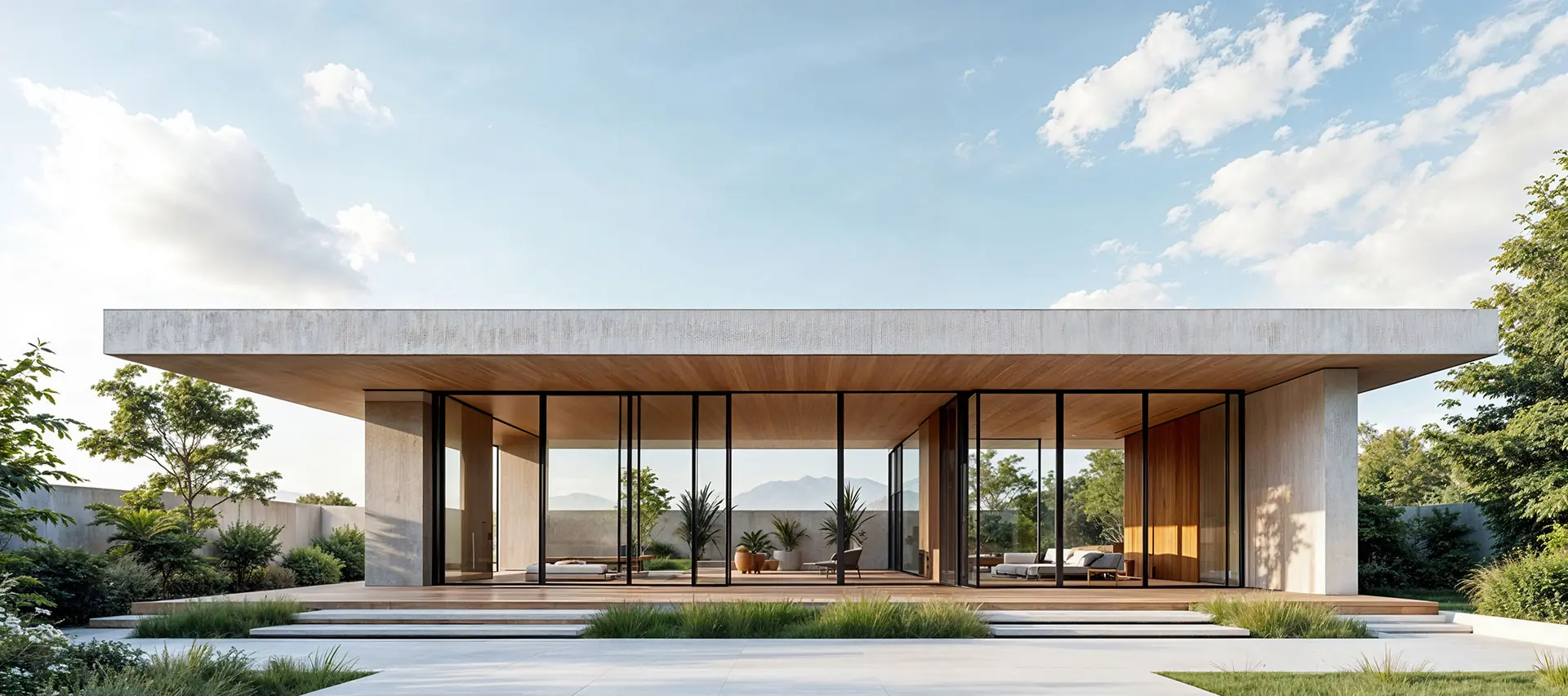
.png)

Unlock Your Dream Space: The 5 Best Interior Design Apps for 2025
Thinking about changing up your living space but not sure where to start? Maybe you've got a vision in your head but can't quite get it onto paper. Well, good news! There are some really neat apps out there now that let you play around with ideas for your home. Whether you're planning a big renovation or just want to see how a new couch would look, these tools can make it a lot easier. We've rounded up some of the best interior design apps for 2025 that can help you figure things out before you commit to anything.
Key Takeaways
- Planner 5D is a user-friendly app for creating 2D and 3D room designs, featuring a large library of items and AI tools to help with layouts and ideas.
- Homestyler offers tools for floor plans and 3D visuals, plus a community for inspiration and design challenges, making it good for beginners.
- SketchUp is a powerful 3D modeling tool available online, suitable for both casual users and professionals who want to build detailed designs.
- Roomstyler 3D Home Planner lets you easily drag and drop furniture and decor to see how different styles and colors look in your space.
- Home Design 3D is helpful for making floor plans and 3D views, especially for smaller areas where you need to make the most of the space.
Planner 5D
Planner 5D is a pretty popular choice if you're into designing your home space. It makes getting started really simple, even if you've never done anything like this before. You can build floor plans from scratch or pick one of their pre-made templates, which is handy if you just want to quickly visualize something. Then, you can design your rooms in 3D.
One of the cool things they've added are some AI tools. There's a 'Smart Wizard' that can suggest layouts and furniture based on what you tell it about the room's style and purpose. They also have a 'Design Generator' that can give you a few different design ideas for your actual room, and you can even upload a picture of your existing floor plan, and it'll try to turn it into a 3D model.
It's available on pretty much everything – web, iOS, and Android – so you can work on your designs wherever you are.
- Easy to use interface
- 2D and 3D design capabilities
- AI-powered design suggestions
- Available on multiple platforms
While Planner 5D is great for beginners and casual users, some of the best features and a lot of the furniture options are locked behind a subscription. Also, for really precise architectural work, some users have noted that measurements can sometimes be a bit off. It's more for fun visualization than detailed blueprints.
Homestyler
Homestyler is a pretty neat tool if you're looking to visualize your home makeover ideas without getting too bogged down in complicated software. It's cloud-based, which means you can access it from pretty much anywhere. The drag-and-drop interface is super straightforward, making it a good choice for beginners who just want to play around with different layouts and furniture. It feels a bit like Pinterest meets a design app, where you can check out what other people have created, like their designs, and even get inspired by them.
You can whip up 2D and 3D floor plans for both homes and commercial spaces. It's got a large library of furniture and decor items, including pieces from real brands you might actually want to buy. Plus, there are community features that let you interact with other users' designs, which is pretty cool for getting ideas.
Here's a quick look at what it offers:
- Create 2D and 3D floor plans
- Large library of furniture and decor
- AR/VR visualization options
- Community features for inspiration
While Homestyler is great for visualizing and decorating, it's not really built for super detailed architectural work. Think of it more for interior decorating and getting a feel for a space's look and feel. The free version lets you do a good amount, but like many apps, some of the best features and items are locked behind a paywall. You can earn credits by doing design tasks, or upgrade to Homestyler Pro for more advanced features and items, starting at $4.90 a month. It's a solid option for getting a feel for your design ideas without a steep learning curve.
SketchUp
SketchUp is a really solid choice if you're looking to get into 3D modeling for your home projects. It's got this cool way of feeling both really detailed and also kind of like sketching with a pencil, which is a neat trick. The free version is great for hobbyists and lets you design right in your browser, no downloads needed.
It's super versatile, whether you're thinking about a small home addition or something more ambitious. You can really bring all the little details of your design to life with it. If you're curious about how to get started, there are resources available to help you master SketchUp for free.
Here's a quick look at what it offers:
- 3D Modeling: Really detailed tools for creating complex shapes.
- Visualization: Helps you see your design in a realistic way.
- Online Access: Use it directly in your web browser.
While SketchUp is amazing for professional work, it can feel a bit overwhelming if you're just starting out. The free version is pretty capable for personal use, but if you need more advanced features, you might have to look into their paid subscriptions. It's a good middle-ground tool, not overly complicated like some professional software, but more robust than the really basic apps. It’s great for planning out actual renovations or just visualizing a new layout.
Roomstyler 3D Home Planner
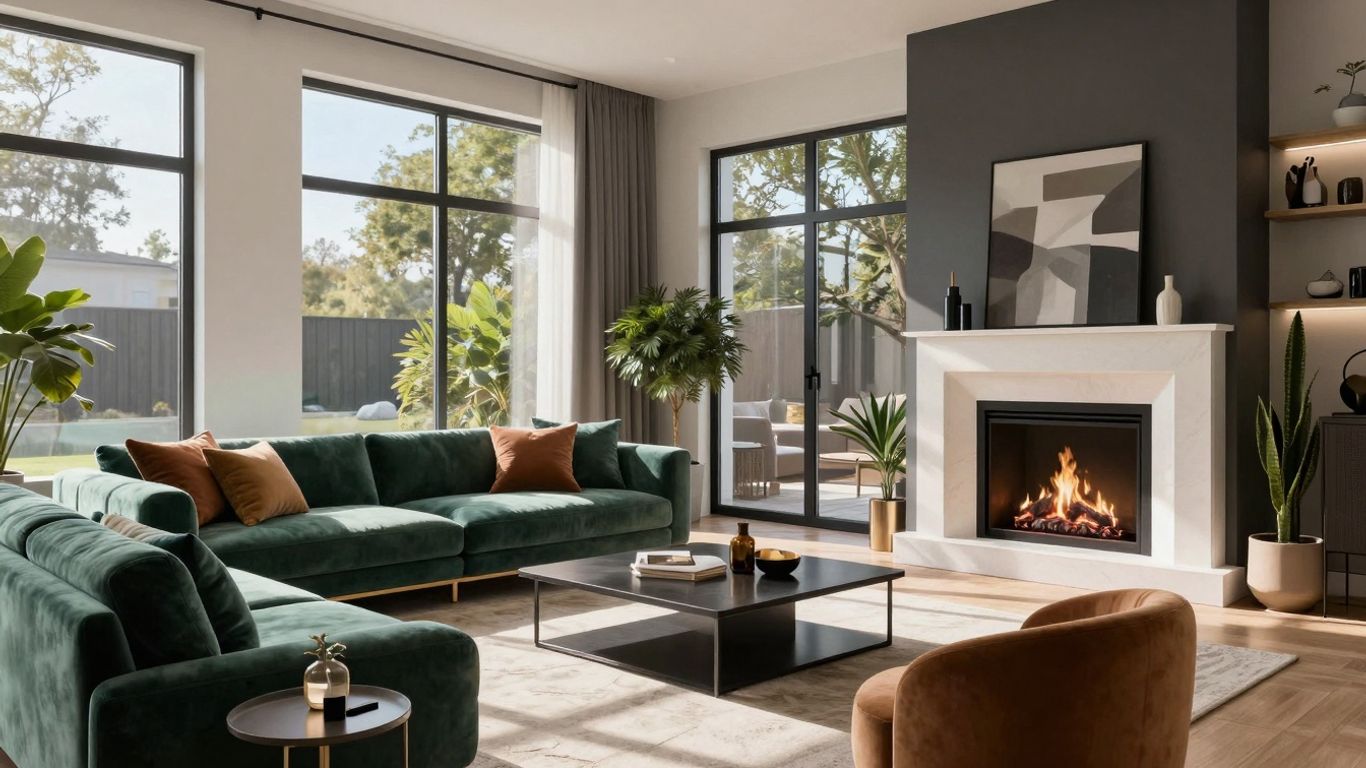
If you're looking for a way to design a room without getting too caught up in complicated stuff, Roomstyler 3D Home Planner is a pretty solid choice. It's really easy to figure out, so you probably won't even need to watch those tutorial videos they have, though they're there if you get stuck. One of the neatest things about this app is how fast you can put together a custom room. It feels like you can go from a blank canvas to a fully furnished space in just a few minutes.
What really makes Roomstyler stand out is that you can use actual products from real brands in your designs. This means you can plan your space using furniture and decor that you might actually buy later, which makes the whole process feel more real. It's got a simple drag-and-drop interface, which is nice because you don't have to be a tech whiz to use it. You can create your floor plan in 2D and then switch over to 3D to see how everything looks.
Here's a quick rundown of what you get:
- Realistic 3D visuals: Get a good look at your design.
- Branded items: Use real furniture and decor in your plans.
- Sharing features: Share your projects easily to get opinions.
The free version does have some limits, like how many projects you can work on. If you need more, there are paid options, and sometimes even high-quality renders cost extra. But for just playing around with ideas and getting a solid visual, the free version is a good starting point.
Home Design 3D
Home Design 3D is a solid choice if you're looking to map out your living space without a lot of technical headaches. It's pretty good at letting you create floor plans and then see them in 3D, which is helpful for getting a feel for how things might fit. This app is especially useful if you're dealing with smaller rooms or trying to figure out the best way to arrange furniture in a tight spot.
It's not overly complicated, so you can probably jump right in and start designing. You get to build your project room by room, and then you can switch between a 2D view for planning and a 3D view to see how it all looks.
- Create detailed floor plans: Easily draw out your rooms and walls.
- Visualize in 3D: See your design come to life with realistic 3D renderings.
- Furnish and decorate: Add furniture and decor items from a decent selection.
- Work on multiple projects: Keep different design ideas separate.
While Home Design 3D is great for visualizing layouts and making basic design choices, it's not really the tool for super detailed architectural drawings. Think of it more for getting a clear picture of your interior decorating ideas and spatial arrangements.
It's a good option for homeowners or renters who want to plan out a renovation or just redecorate a room. You can get a lot done with the free version, though like many apps, there are paid options if you need more advanced features or a wider selection of items.
Houzz
Houzz is a bit of a different beast compared to the other apps we've talked about. Instead of being a tool for drawing up blueprints, think of it more like a giant digital magazine mixed with a shopping mall for your home. If you're just starting out and trying to figure out what style you even like, or if you've spotted a specific lamp you absolutely need, Houzz is a fantastic place to start.
It's packed with millions of photos of real homes, so you can really get lost scrolling through different looks and ideas. The coolest part, though? They have this "View in My Room 3D" feature. You use your phone's camera, and it lets you virtually place furniture and decor from their catalog right into your own space. It's pretty neat for getting a feel for how something might actually look before you click "buy".
Beyond just looking and buying, Houzz also connects you with people. You can find local designers and contractors, and there are tons of articles written by pros. Plus, there's a whole community aspect where you can ask questions and get advice from other homeowners and design folks.
Just remember, this isn't the app for creating detailed floor plans or managing a big renovation project. It's more about getting inspired and finding things to buy.
- Inspiration Overload: Millions of high-quality home photos.
- Virtual Try-On: See products in your room using your phone.
- Find Professionals: Connect with local designers and contractors.
- Shop Smart: Purchase items directly through the app.
- Community Support: Get advice from other users and experts.
Collov AI
Collov AI is a pretty neat tool if you're looking to quickly see how different styles might look in your actual space. You basically upload a photo of your room, pick a style you like, and the app does its thing to show you a new version. It's especially good because it uses real furniture, and you can even get links to buy the items you see. This makes it super practical if you're not just dreaming but actually planning to buy new stuff.
However, it's not perfect. The control you have over the exact layout can be a bit limited. It's more about applying a style than completely rearranging everything. Also, it seems to work best for standard room sizes, so if you have a really tiny or unusually shaped space, you might find it less helpful.
Collov AI shines when you want to visualize specific furniture and decor styles within your existing room. It bridges the gap between inspiration and actual purchase by showing you shoppable items in a realistic setting.
Here's a quick rundown:
- Best for: Virtual staging and seeing shoppable furniture.
- Pros: Uses real furniture, provides shopping links, easy to use with photo uploads.
- Cons: Limited layout control, might not be ideal for very small or unique spaces.
RoomGPT
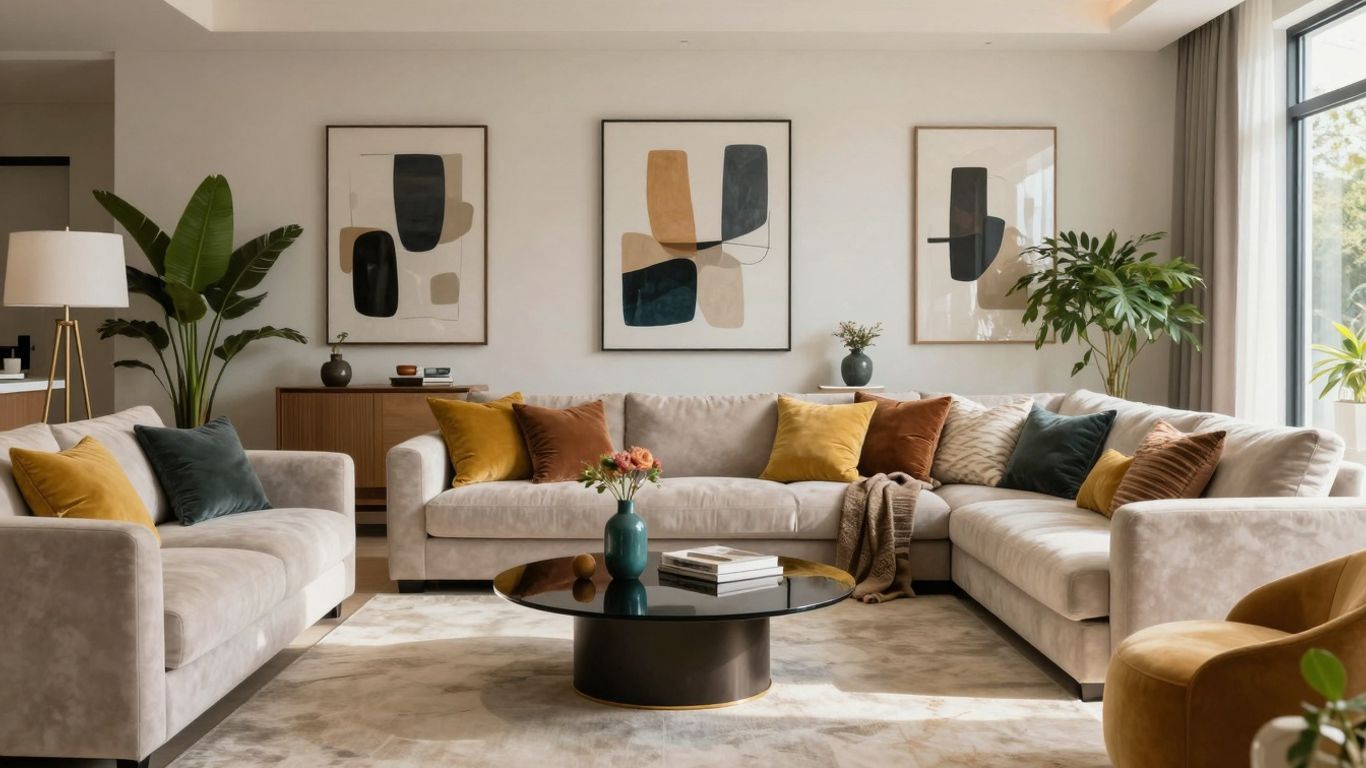
RoomGPT is a really interesting option if you're looking for super-fast visual previews of how a room could look with a different style. It's all about taking a photo of your current space and then letting the AI work its magic to show you various design makeovers. It's like having a magic wand for interior design inspiration.
This app is particularly good for getting a quick sense of different aesthetics without getting bogged down in floor plans or detailed furniture placement. You upload a picture, pick a style you like, and boom – you get instant renders. It’s not really for building out a whole layout from scratch, but more for seeing potential style transformations.
Here’s a quick rundown of what makes it stand out:
- Speedy Visualizations: Get multiple design ideas in minutes.
- Style Exploration: Easily test out different looks for your room.
- Photo-Based: Works directly from images of your existing space.
It’s a great tool to use alongside other apps that focus more on detailed planning. Think of it as your go-to for rapid inspiration. If you're curious about how a space could feel with a modern, minimalist, or bohemian vibe, RoomGPT can give you a pretty clear picture. It’s a neat way to explore possibilities before you even start thinking about furniture shopping or major renovations. You can see how different styles might work in your actual room, which is super helpful. For a quick way to reimagine your home, check out RemodelAI for similar instant transformations.
DecorMatters
DecorMatters is a really interesting app if you're into the social side of design and like a bit of a game-like feel to your decorating. It's not so much for creating super precise blueprints, but more for playing around with styles and getting feedback. Think of it as a fun way to explore different looks for your home.
One of the standout features is its community aspect. You can join design challenges, share your creations, and get likes and comments from other users. It’s a good way to see what’s trending and get inspired by what other people are doing. They also have tools that help you match furniture and decor to your existing space, which is pretty neat.
Here’s a quick rundown of what makes it tick:
- Gamified Design: Participate in design contests and challenges.
- Community Feedback: Get opinions and inspiration from other users.
- Style Exploration: Experiment with various furniture and decor items.
- Trend Spotting: See what's popular in the design world.
While DecorMatters is great for casual users and those who enjoy a social design experience, it might not be the best fit if you need highly detailed architectural plans or professional-grade visualizations. It leans more towards fun and inspiration than technical accuracy.
It’s definitely a platform that prioritizes engagement and visual appeal, making the process of redesigning feel more like a creative hobby than a technical task. If you enjoy sharing your ideas and getting quick visual feedback, DecorMatters could be a fun addition to your design toolkit.
REimagineHome
REimagineHome is a solid choice if you're in the real estate business or looking to stage properties. It really shines when it comes to creating those dramatic before-and-after listing photos that can grab a buyer's attention. The interface is pretty clean, which is a plus, and it helps you visualize how a space could look with some professional staging.
It's not so much about personalizing your own living room with unique decor, but more about presenting a property in its best possible light. Think of it as a tool for realtors to quickly show potential buyers the possibilities.
While REimagineHome is great for property staging, it might feel a bit limited if you're trying to explore a wide range of personal design styles for your own home. Its focus is quite specific.
If you're a realtor wanting to make listings pop, REimagineHome is definitely worth checking out. It simplifies the process of virtual staging and can make a big difference in how quickly a property sells. You can get a good feel for the app's capabilities by looking at how it reimagines spaces.
Ready to Design?
So, that's our rundown of some pretty cool apps that can help you figure out your next home project. Whether you're just messing around with colors or planning a big change, these tools make it way easier to see what you're going for before you actually do anything. It’s like having a crystal ball for your living room. Give a few a shot, see what works for you, and start making your space feel more like home. You might be surprised at what you can create!
Frequently Asked Questions
What exactly is an interior design app?
Think of an interior design app as a digital playground for your home. It lets you play around with how your rooms look, like changing wall colors, moving virtual furniture, and trying out different decorations, all on your screen. It's a great way to see your ideas before you start buying things or painting.
Do I really need to pay for these apps?
Not at all! Many fantastic interior design apps offer free versions. These usually let you create basic room layouts and add furniture. While some might have extra features you can pay for, you can often create amazing designs without spending any money.
Can I use these apps on my phone?
Yes, you can! Most of these apps are designed to work on smartphones and tablets. This means you can plan out your dream space anytime, anywhere, whether you're on the couch or on the go.
What's the biggest advantage of using a design app?
The main benefit is seeing your design ideas come to life before you make any real changes. You can experiment with different furniture arrangements, color schemes, and decor to make sure you'll love the final look, saving you time and potential mistakes.
Can I take a picture of my room and design it?
Some apps let you do just that! You can often upload a photo of your actual room and then use the app's tools to see how new furniture or paint colors would look. It's like a virtual makeover for your existing space.
Are these apps good for people who don't know much about design?
Absolutely! Many apps are made with beginners in mind, featuring simple drag-and-drop tools and easy-to-follow guides. They make it simple for anyone to start designing without needing to be a pro.
Book Your Project Consultation